SEO per page
Nadoo allows you to set up Search Engine Optimization configurations for each individual page. This feature enables you to manage exactly how each page will be displayed in search results.
Page-Specific SEO Settings
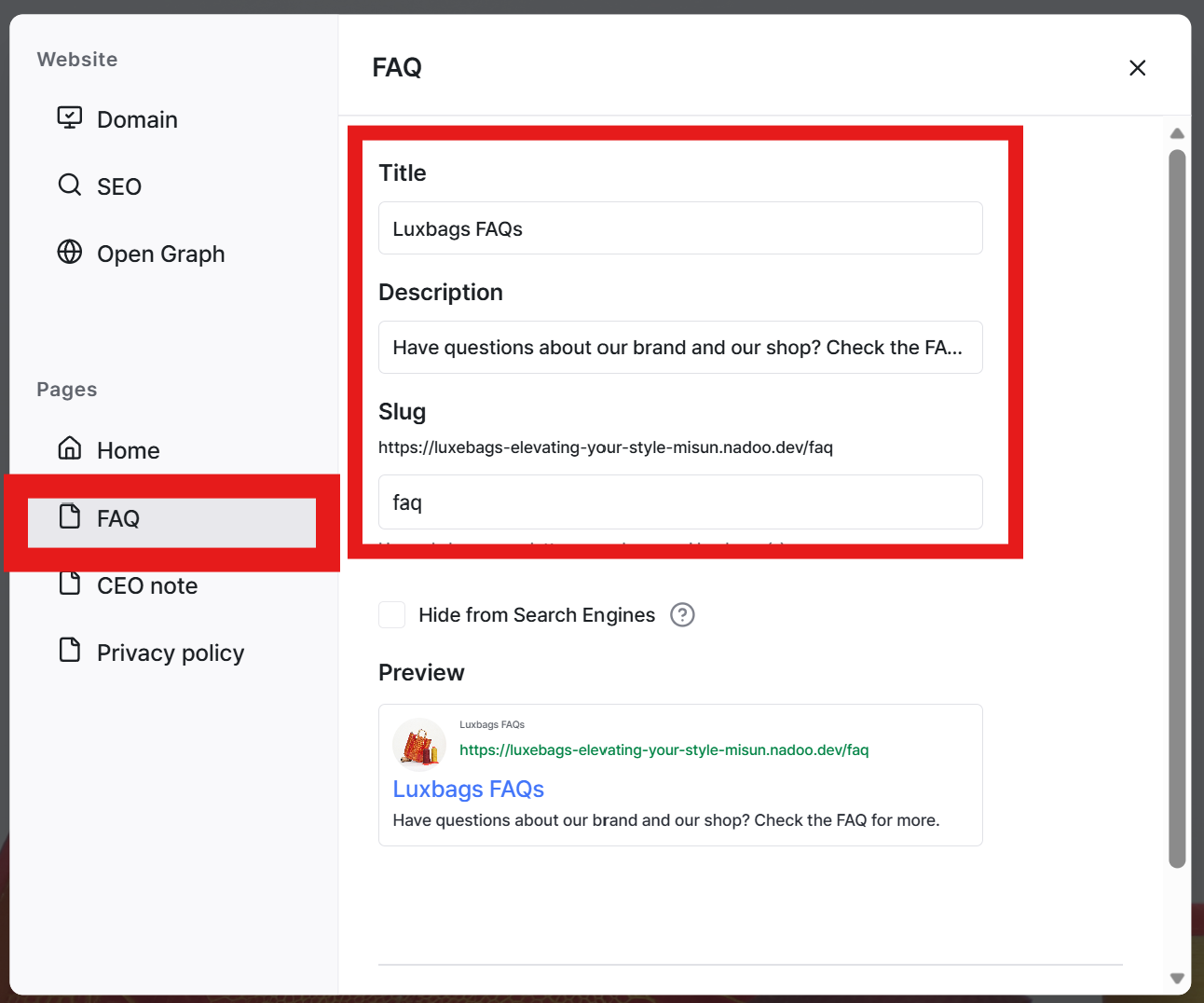
In the Settings menu, click the desired page. In the detailed settings, you can directly customize the Page Title, Description, and the Link Address (Slug) for that page.
Hide Pages from Search Results
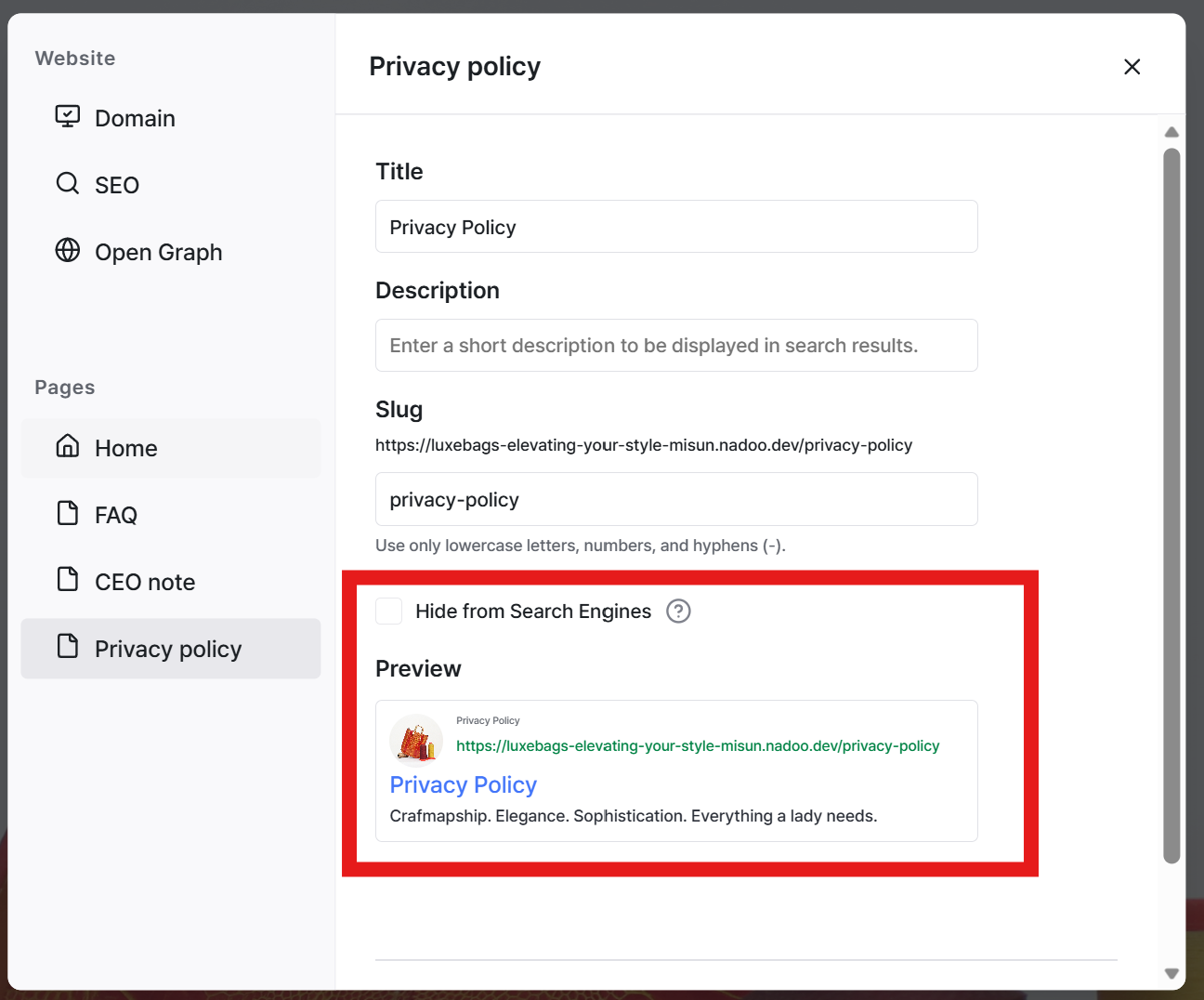
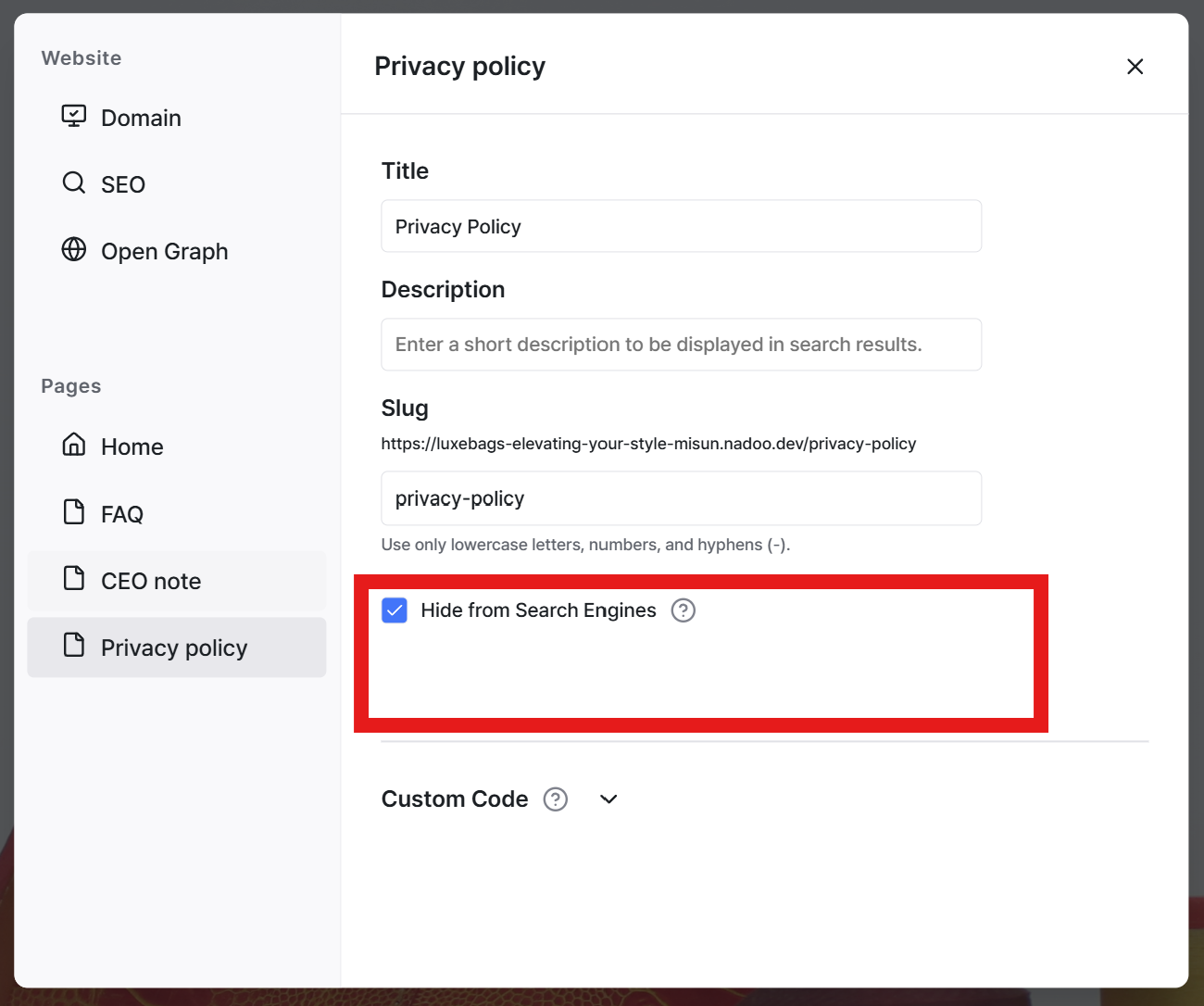
If you have pages you do not want exposed in search results, you can disable the Hide from Search Engines checkbox.
For instance, you can use this feature to block indexing for pages that are not necessary for search engines to find, such as your Privacy Policy or Terms of Service.
Still need help? Ask the team