Change the theme of your website
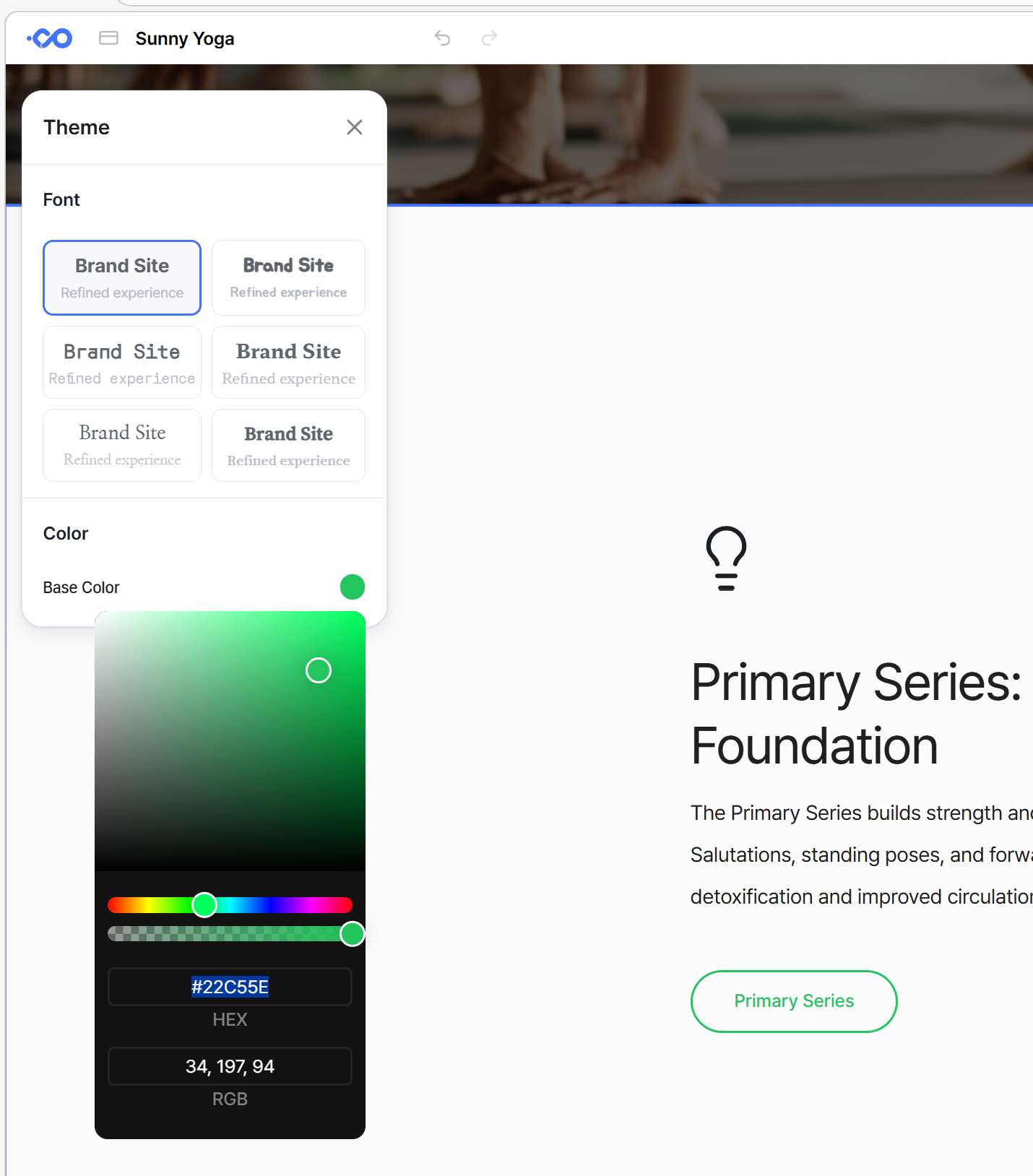
You can customize your website's theme (fonts and colors). Click the palette icon in the menu bar to select your preferred font and set a primary color to redefine the overall look and feel of your site.

How to Use:
Select Fonts: Choose and apply the perfect font for your website.
Set Colors: Choose a Main Color that represents your brand to complete the theme.
Still need help? Ask the team