Edit pages (rename, delete, duplicate)
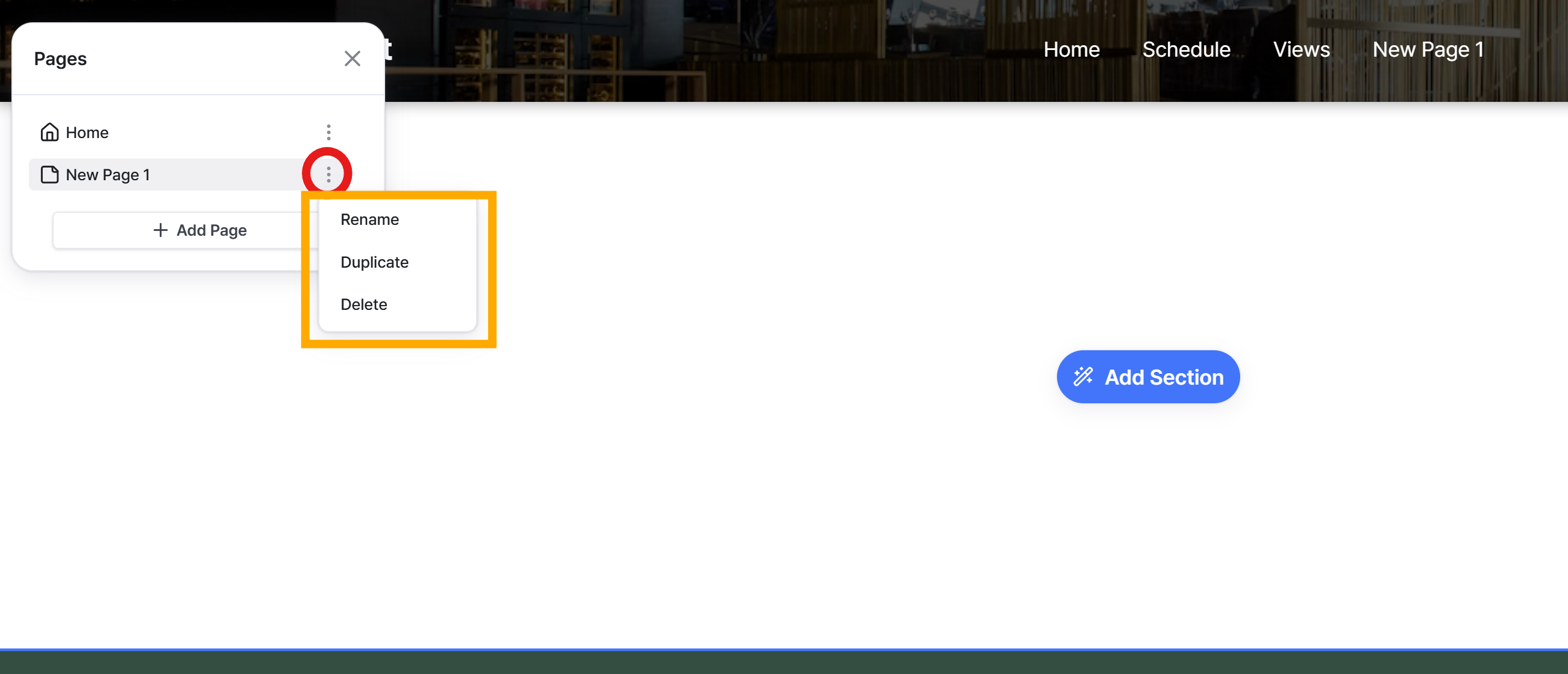
In the Pages panel, select the page you wish to edit and click the Settings icon on the right. Choose the necessary action among Rename, Duplicate, or Delete to proceed.
Still need help? Ask the team
In the Pages panel, select the page you wish to edit and click the Settings icon on the right. Choose the necessary action among Rename, Duplicate, or Delete to proceed.
Still need help? Ask the team