View all tables in the database menu
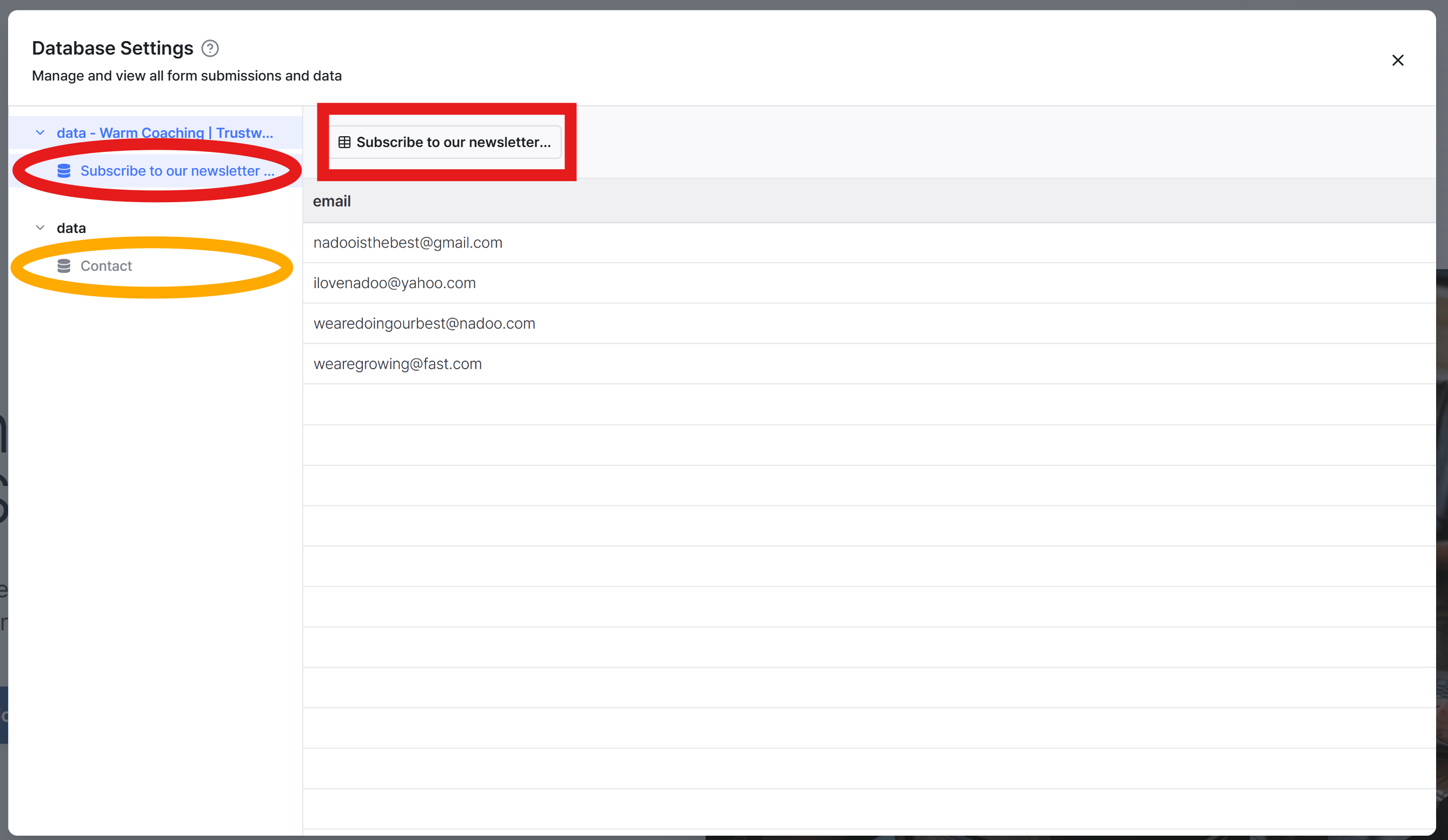
By clicking the Database icon in the left menu bar, you can view all the forms and their linked tables that exist on your website.
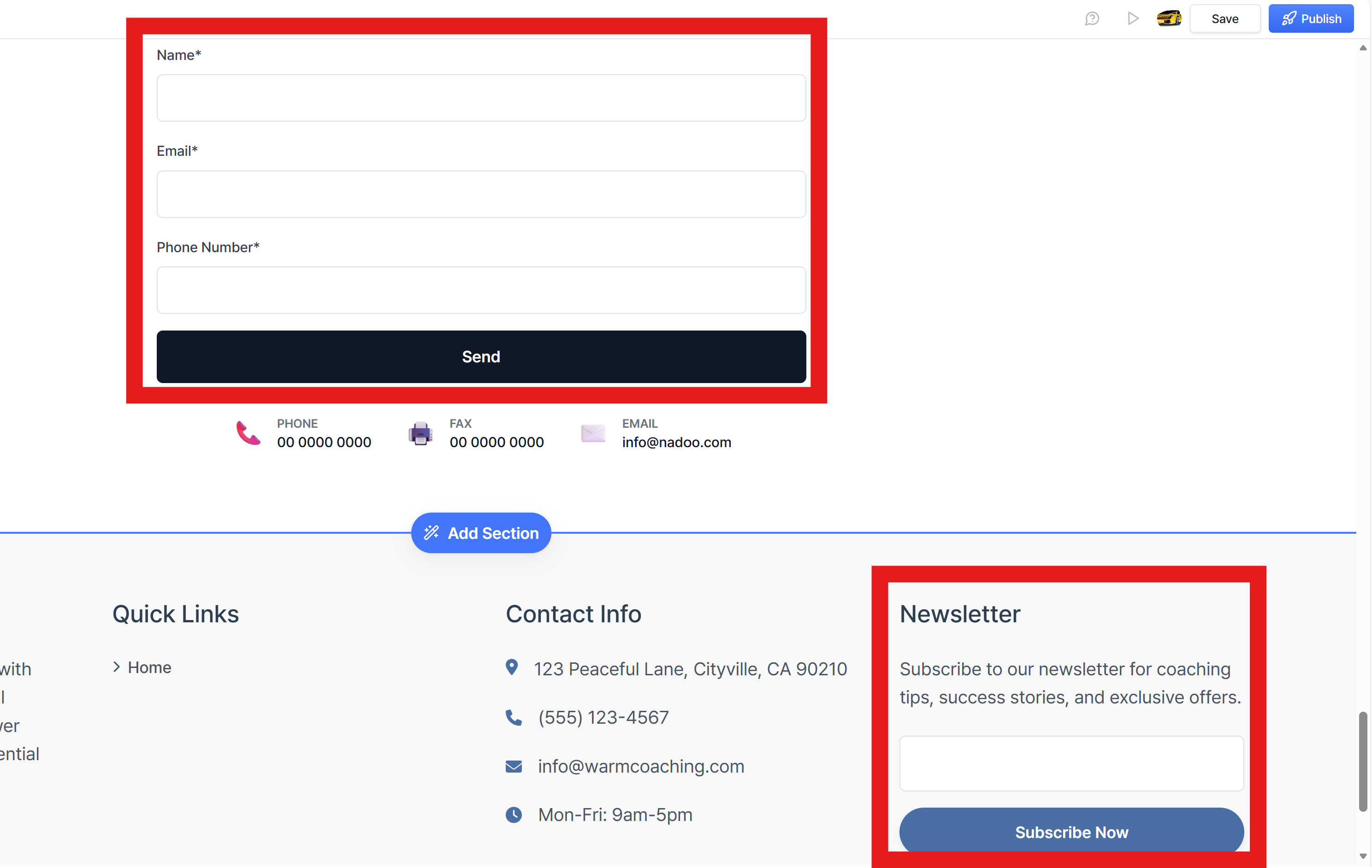
In the example website below, there are two forms: a Contact Form and a Subscribe Form. You can click on the corresponding form in the database to view its details.

Still need help? Ask the team