Manage all my websites
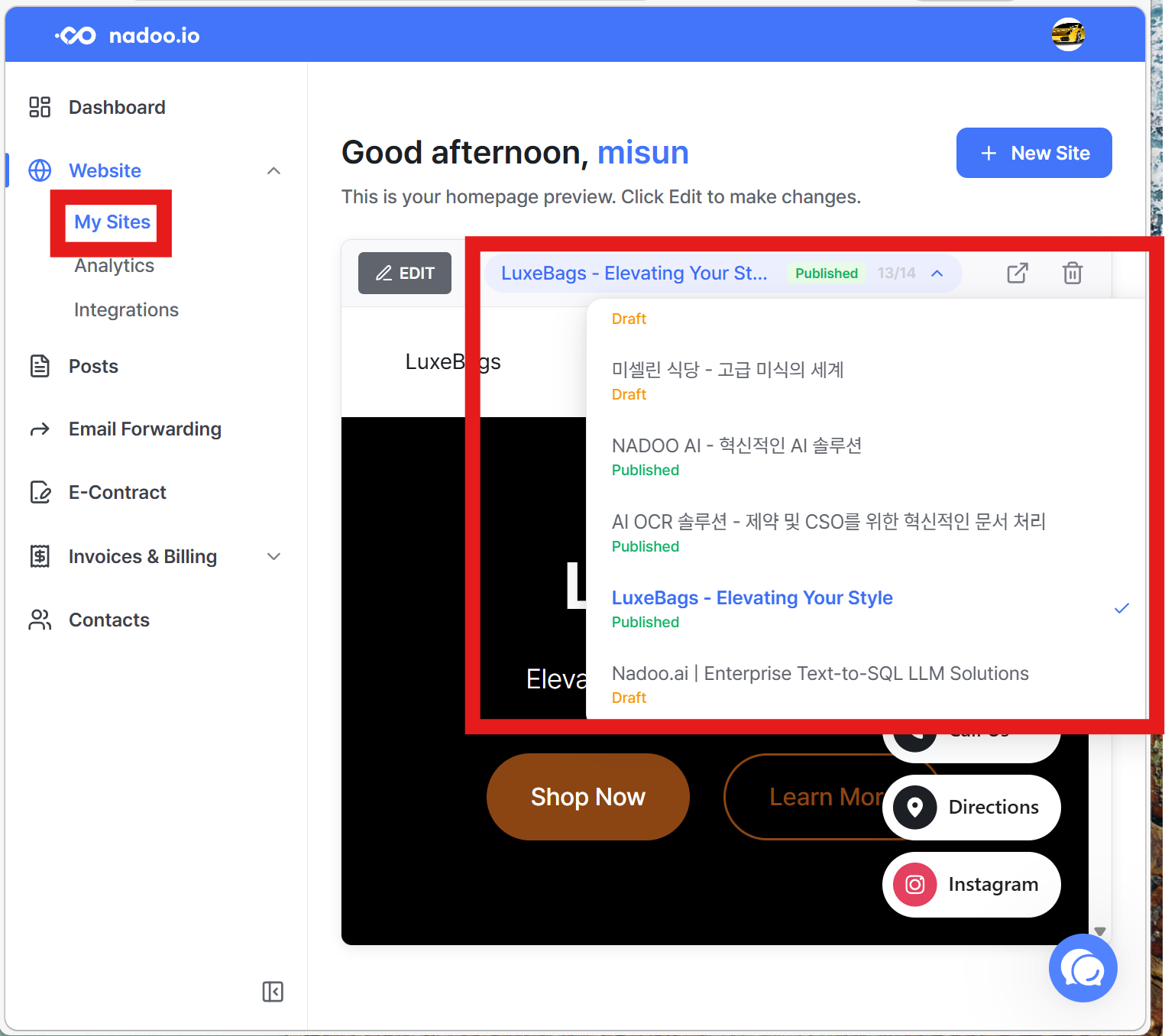
To view all the websites you’ve created, go to Nadoo Dashboard. From there, go to Website > My Sites to see the full list of your websites.
Still need help? Ask the team
To view all the websites you’ve created, go to Nadoo Dashboard. From there, go to Website > My Sites to see the full list of your websites.
Still need help? Ask the team