Create a Multilingual Website
With Nadoo, you can easily run a multilingual website just by adding new languages — no extra setup required.
Go to Settings → Languages, and turn on Multilingual Support.
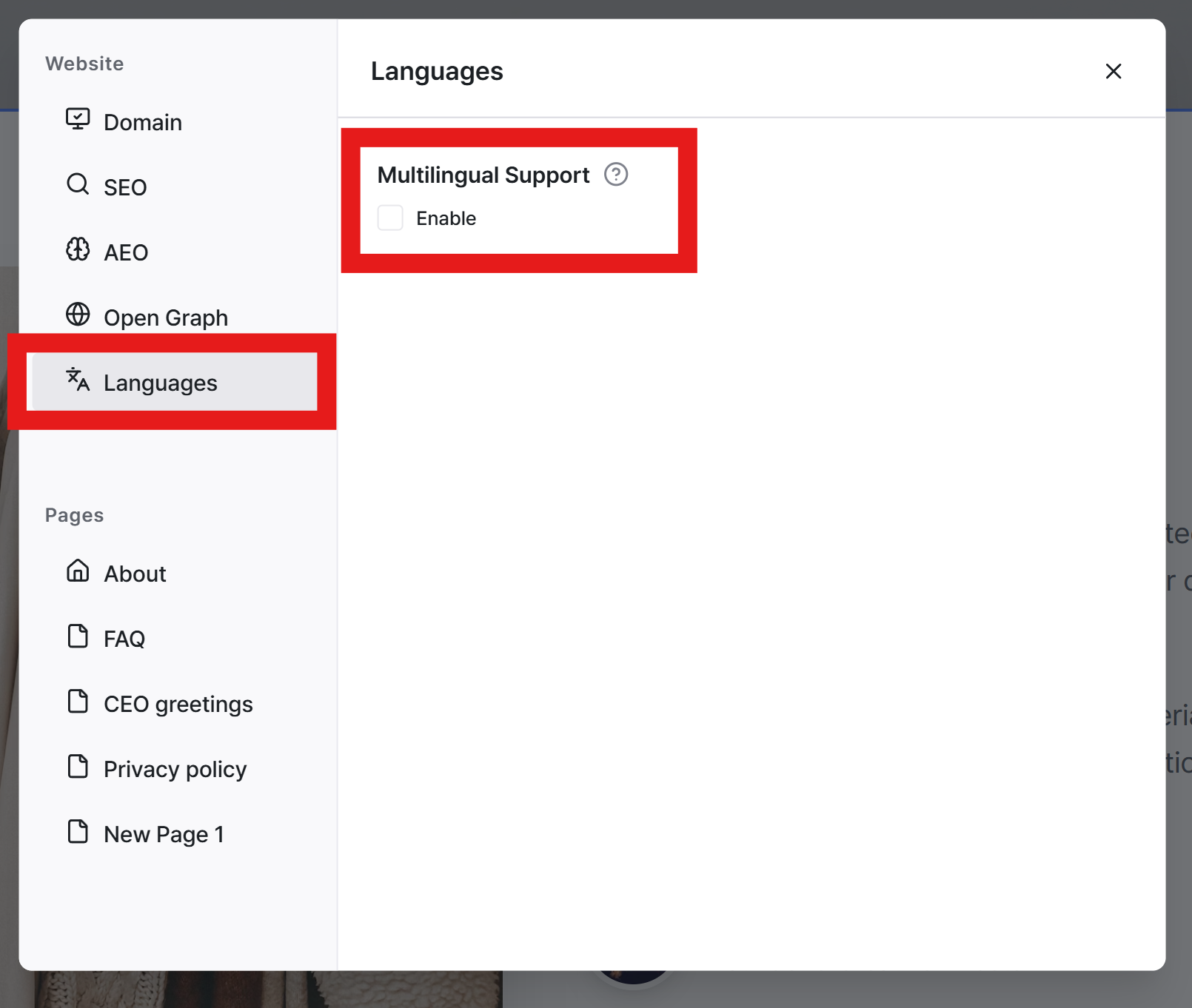
Once enabled, you’ll see a list of all languages your website supports.
The Base Language is the language used when your site was first created, and it will be used as the source for AI translations.
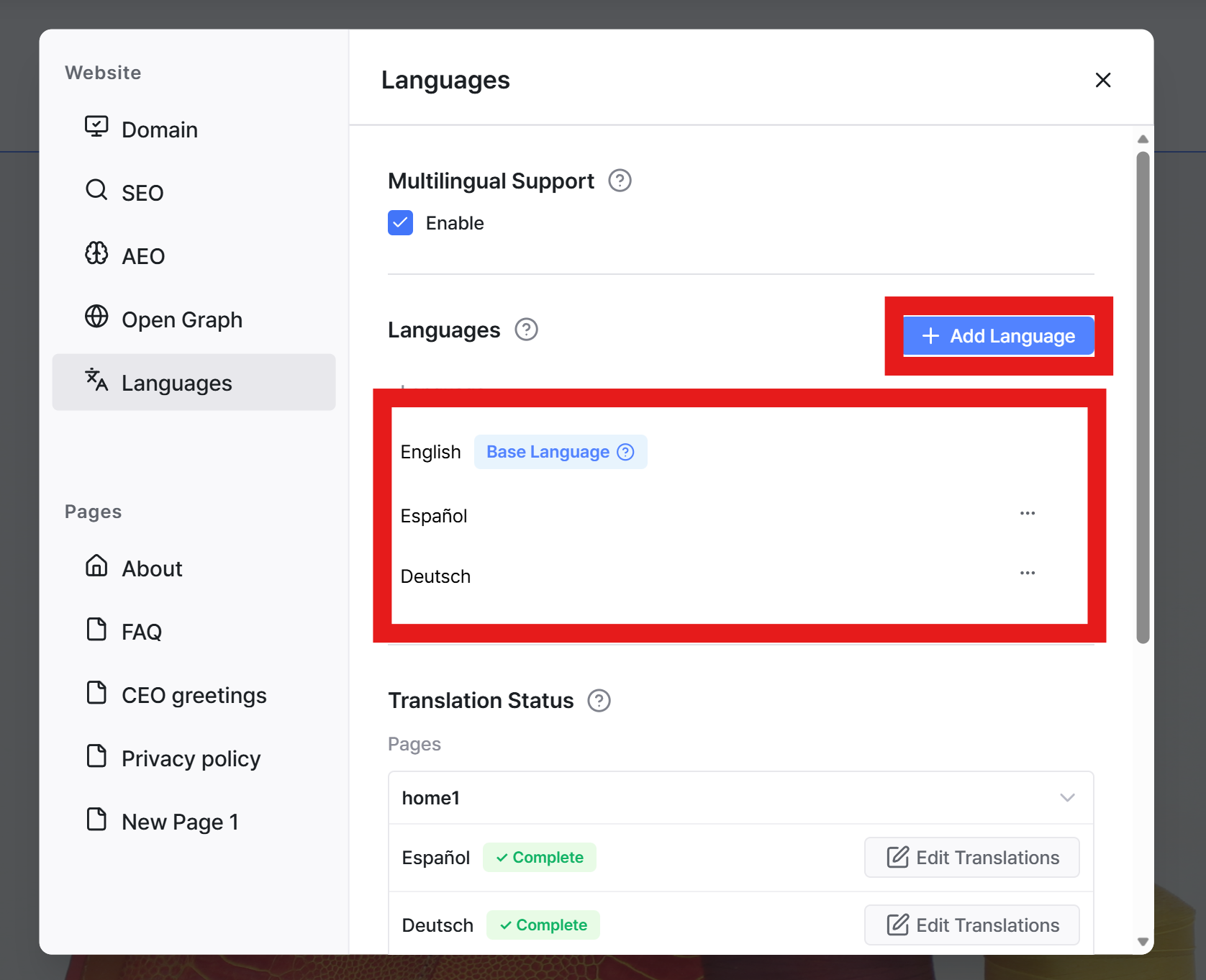
To add a new language, simply click Add Language and select the language you want to support. Nadoo will automatically generate a natural translation of your website. You can then review and edit each language version if needed.
Still need help? Ask the team