Edit your contact form's input fields
When you click a form in the Nadoo Editor, the editing panel appears on the right. From there, you can add new fields, or edit and delete existing ones.
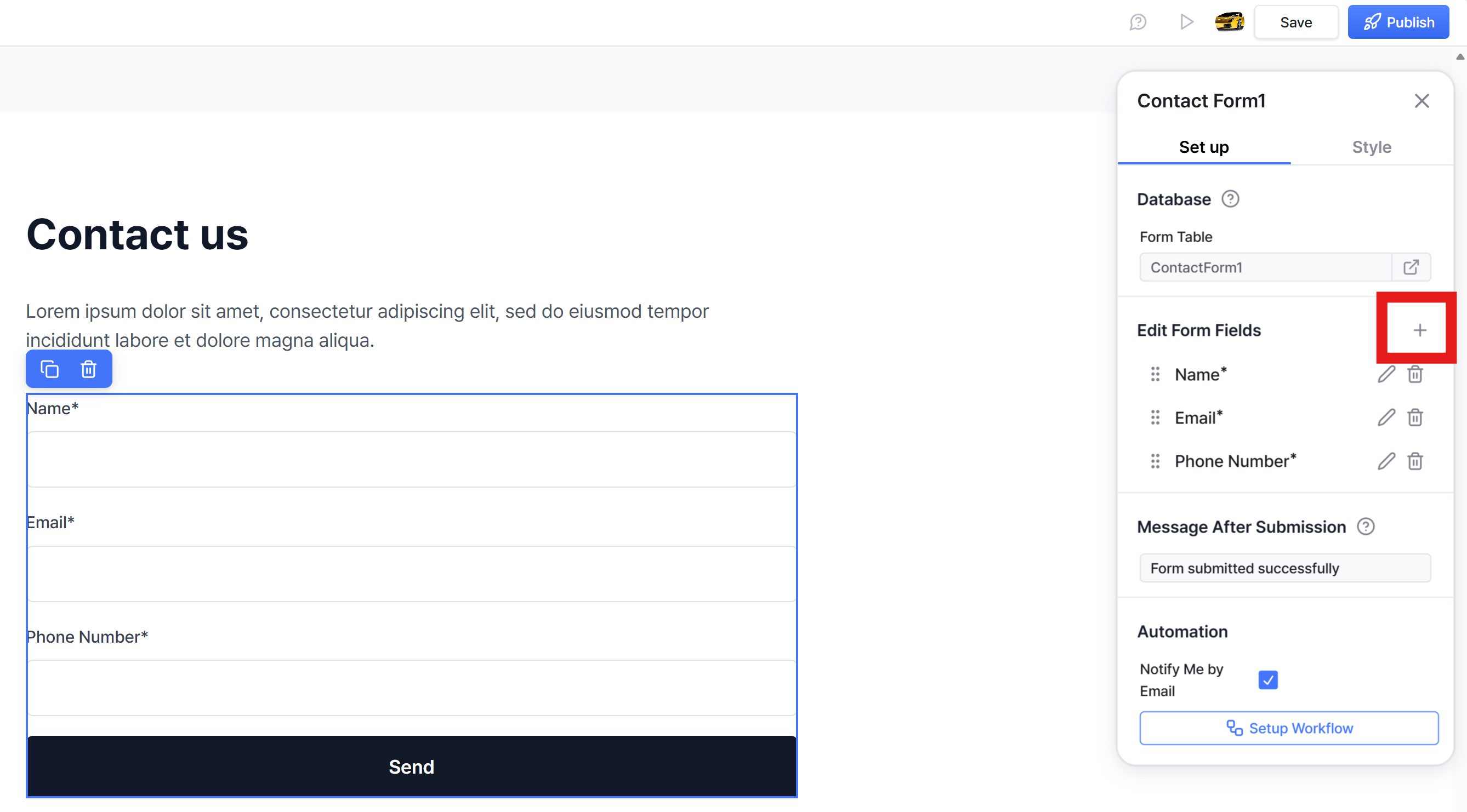
Add a new input field (click the + icon)
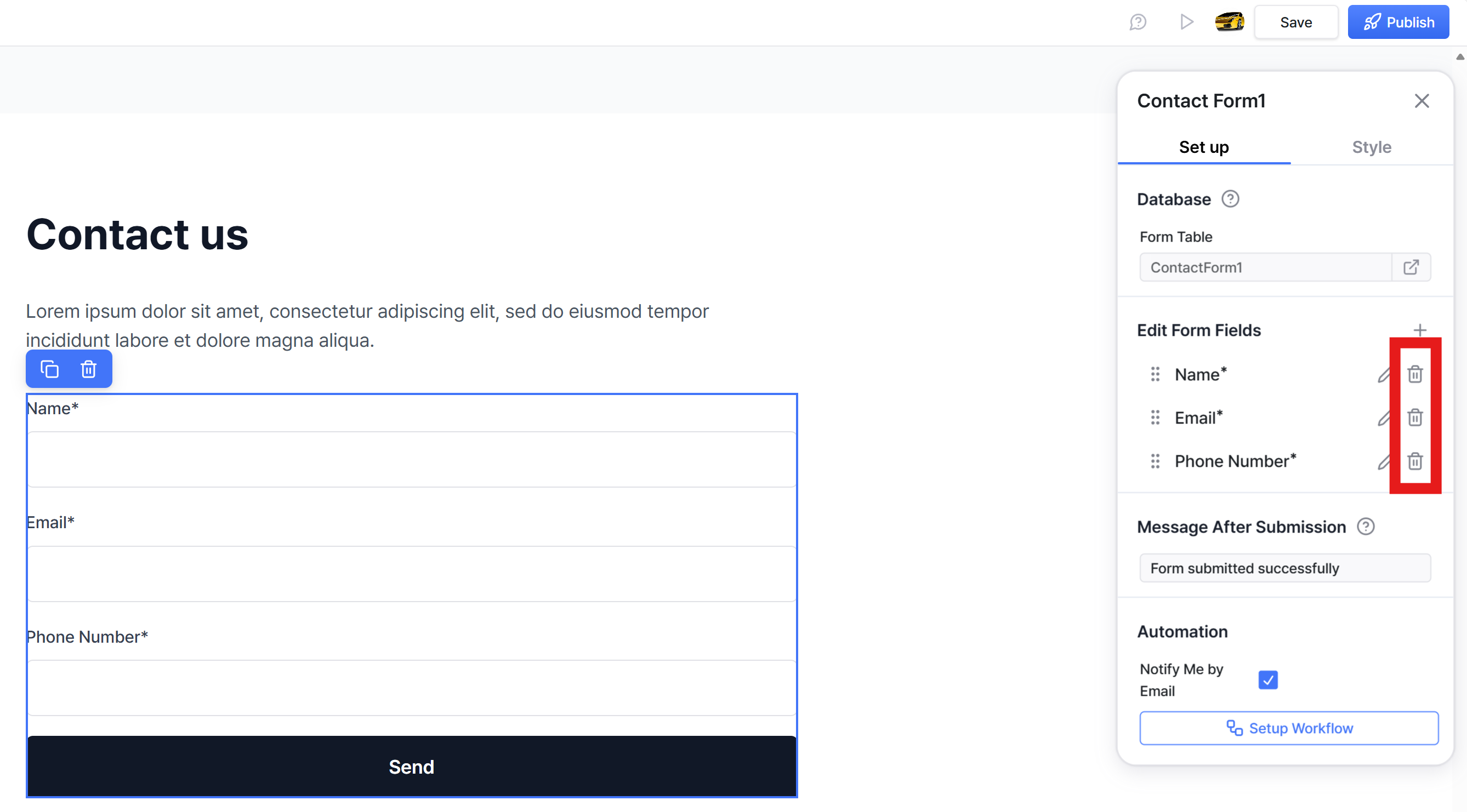
Delete (click the Trash Can icon)
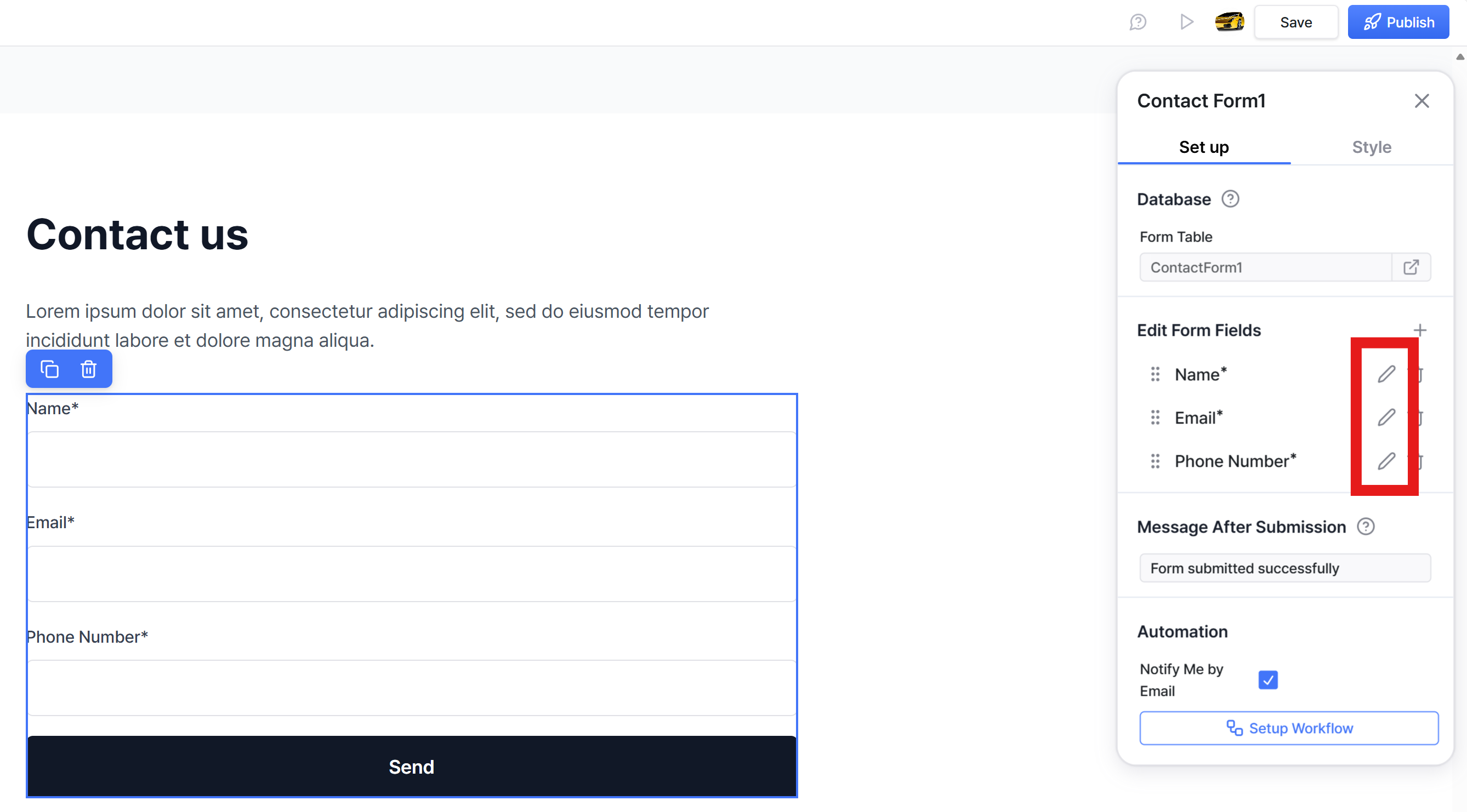
Edit (Click the Pencil icon)
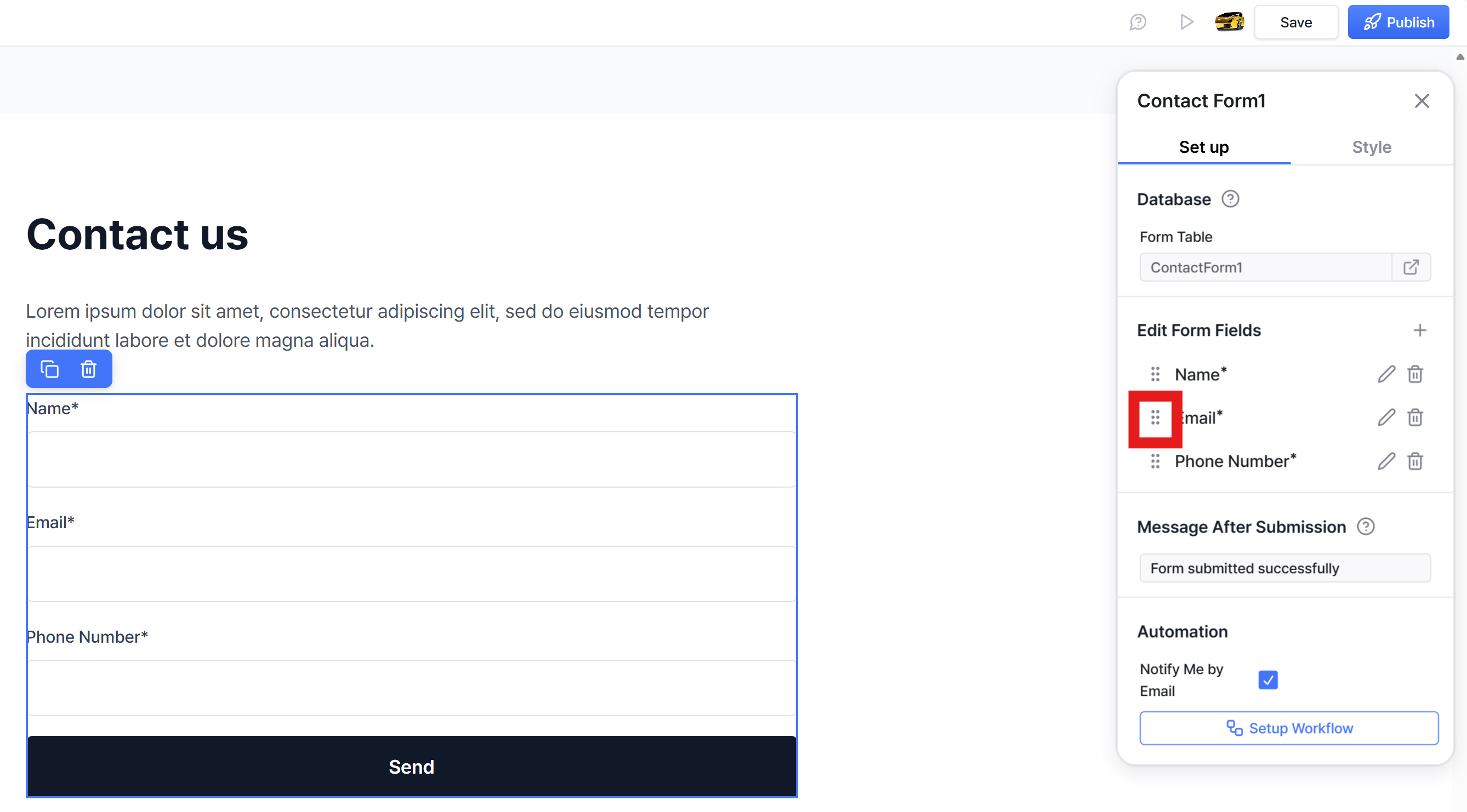
Change order (click the icon on the left side and drag-and-drop)
Still need help? Ask the team