Add custom code
Nadoo allows for page-specific custom code insertion. This feature is available to Standard and Growth plan subscribers.
Go to Settings > Pages.
Click the page where you wish to insert the custom code.
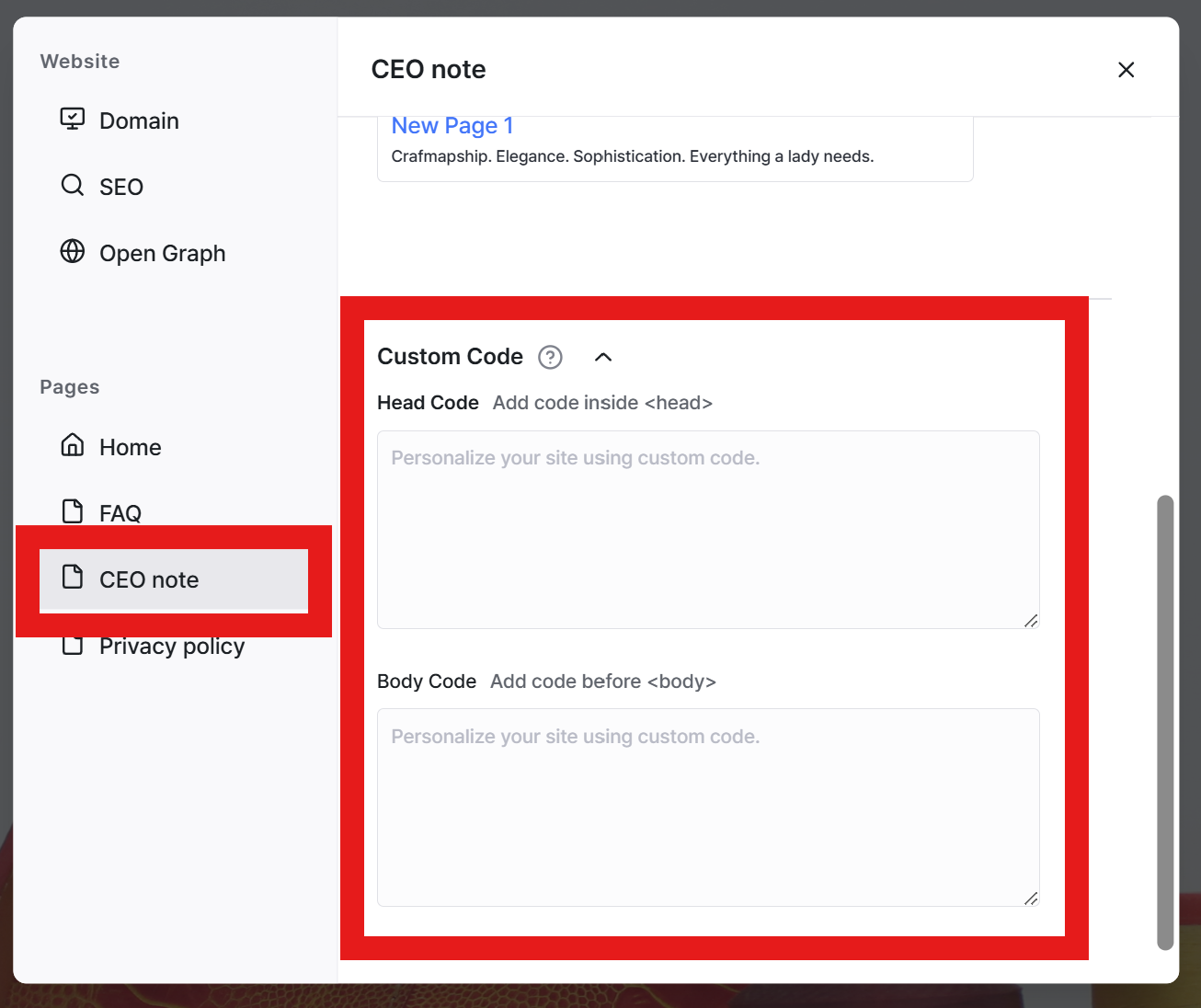
In the Custom Code section, utilize the dedicated Head Code and Body Code fields to place your code snippets.
Still need help? Ask the team