Preview Your Multilingual Website
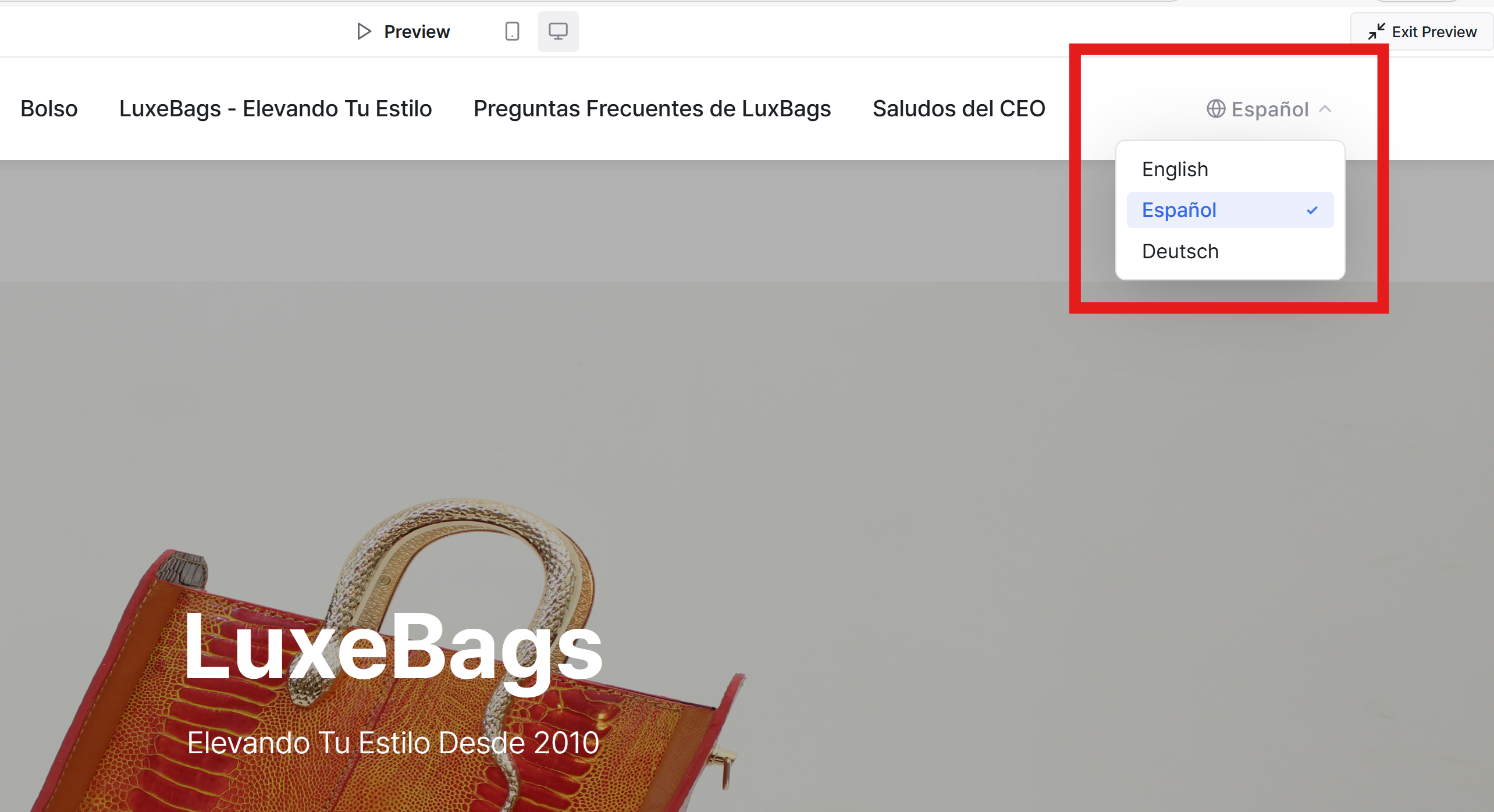
To view your website in a newly added language, use the Preview feature.
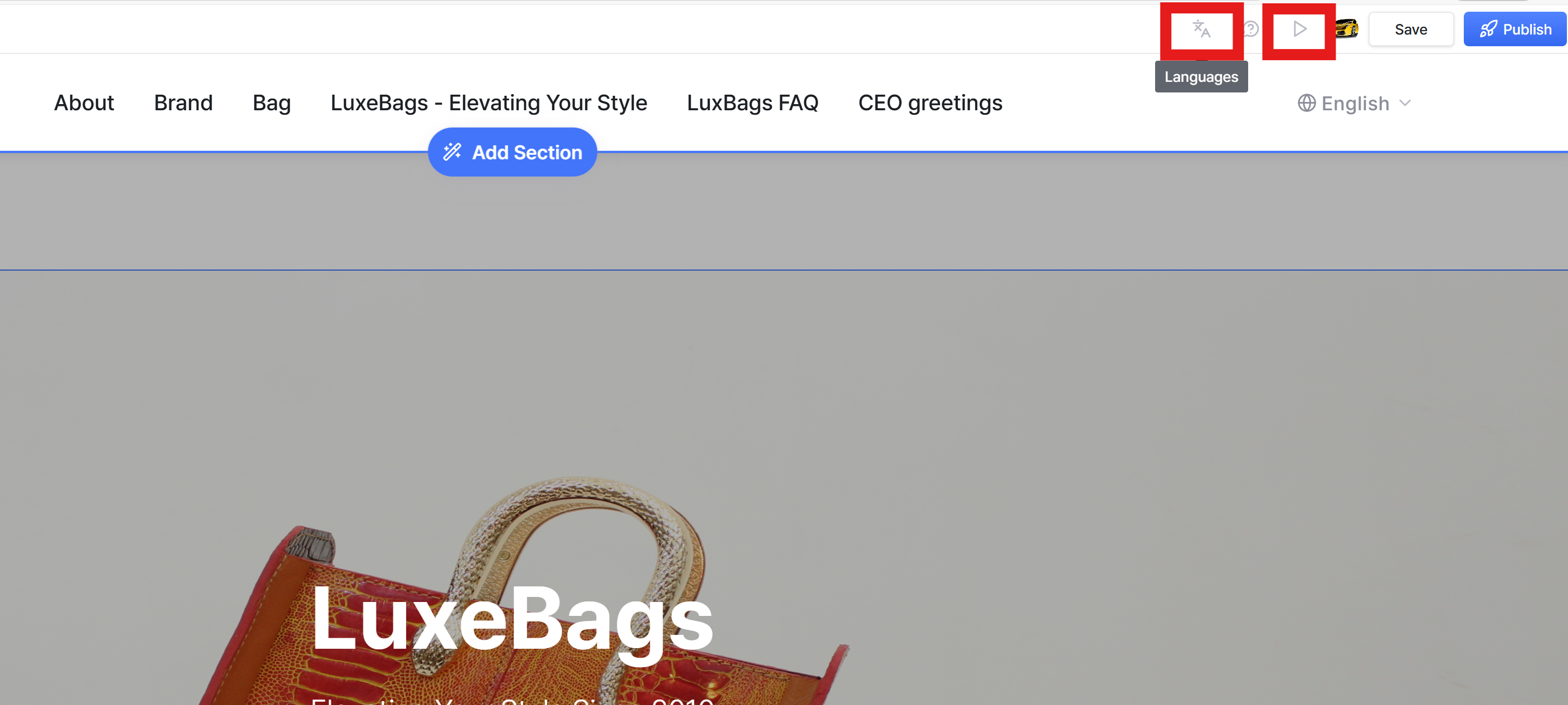
Click the Preview button or the language icon in the top-right corner of the editor,
then switch between languages to see how your website looks in each version.
Still need help? Ask the team